A cosy VR & desktop art museum where friends paint, sculpt, print, and relax together.
Download once — built-in signed auto-updates keep you current automatically. View all releases & notes →
 Join our Discord
Inside the Museum
Click any screenshot to view it full-screen.
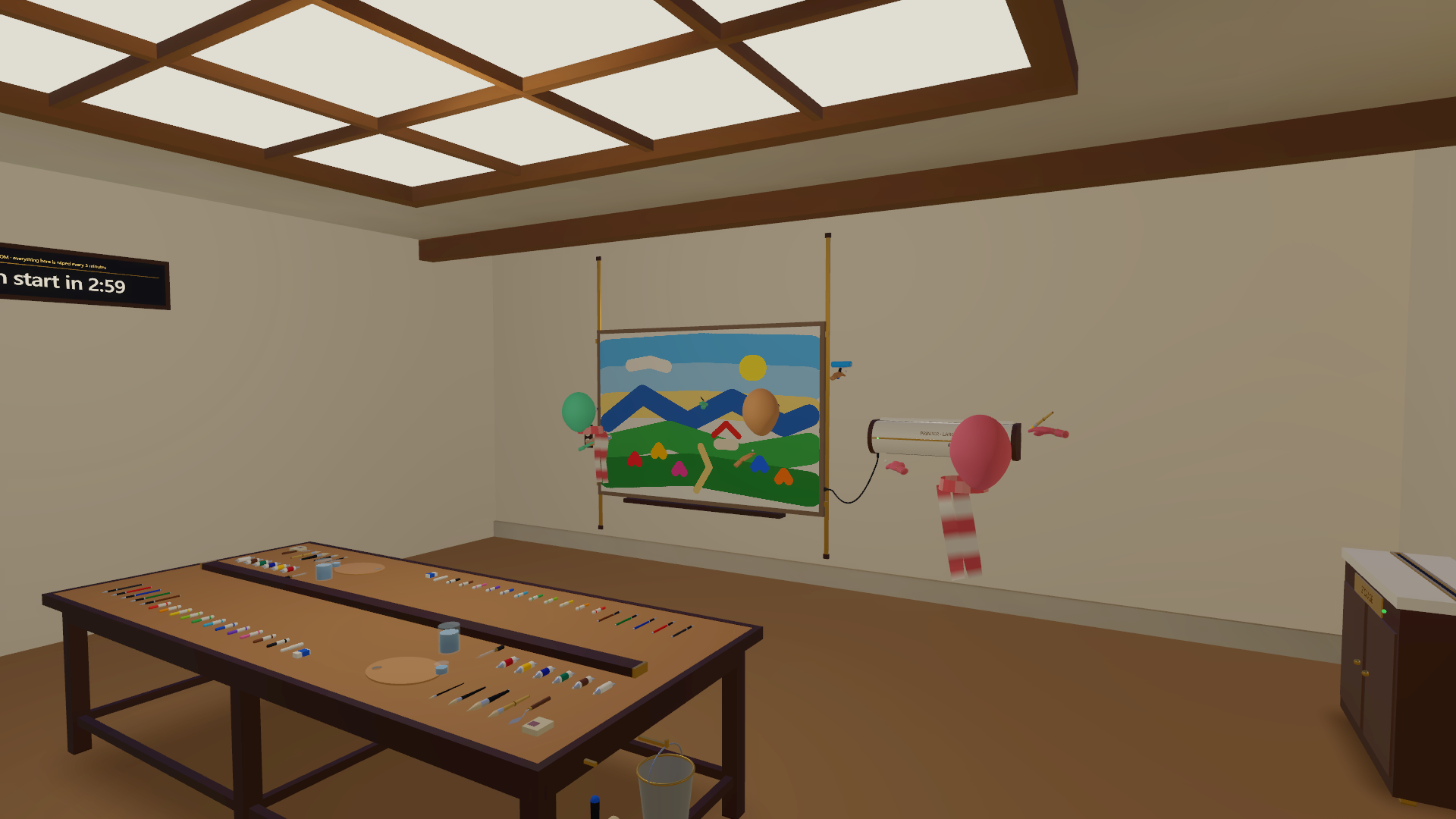
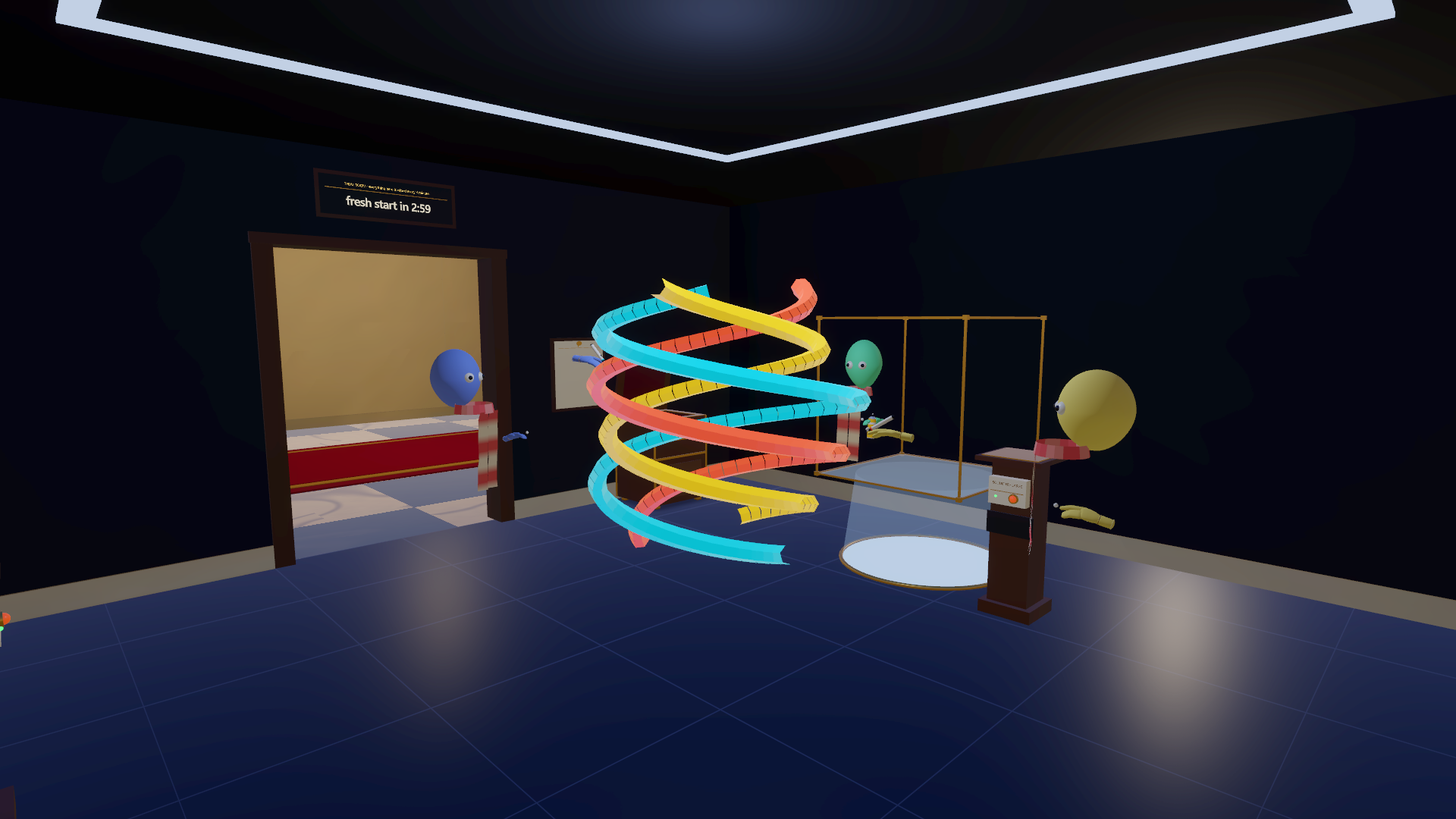
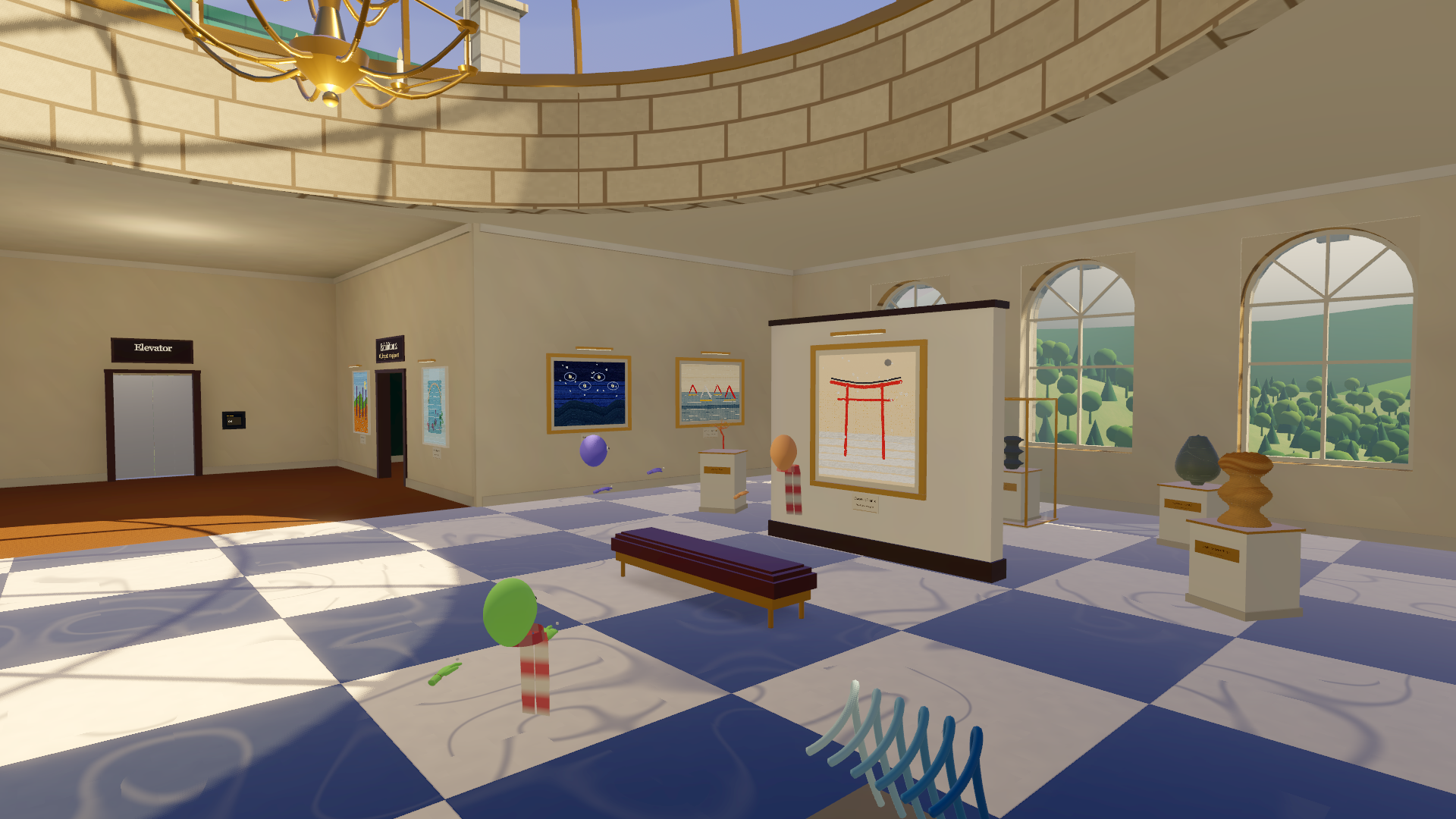
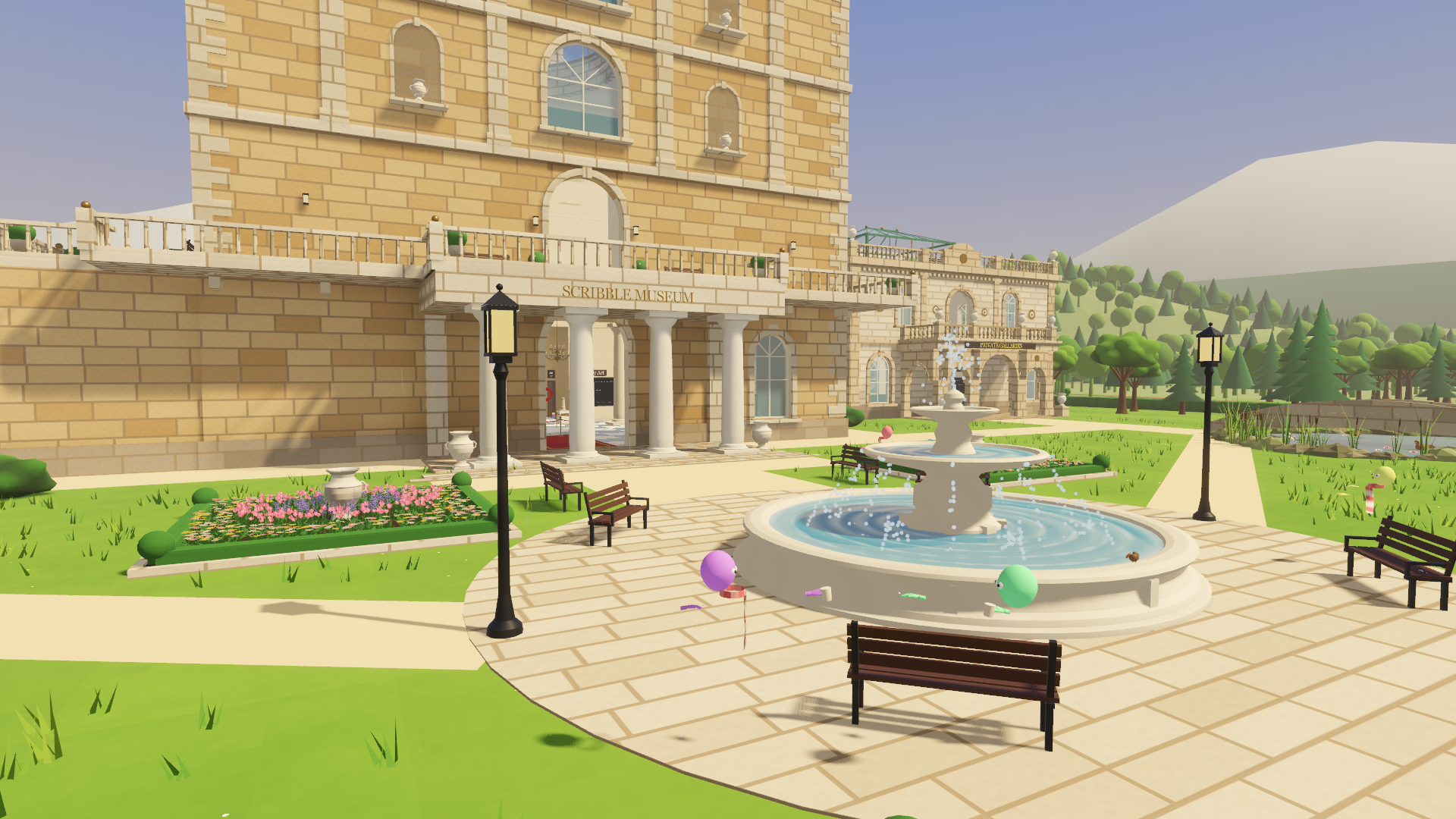
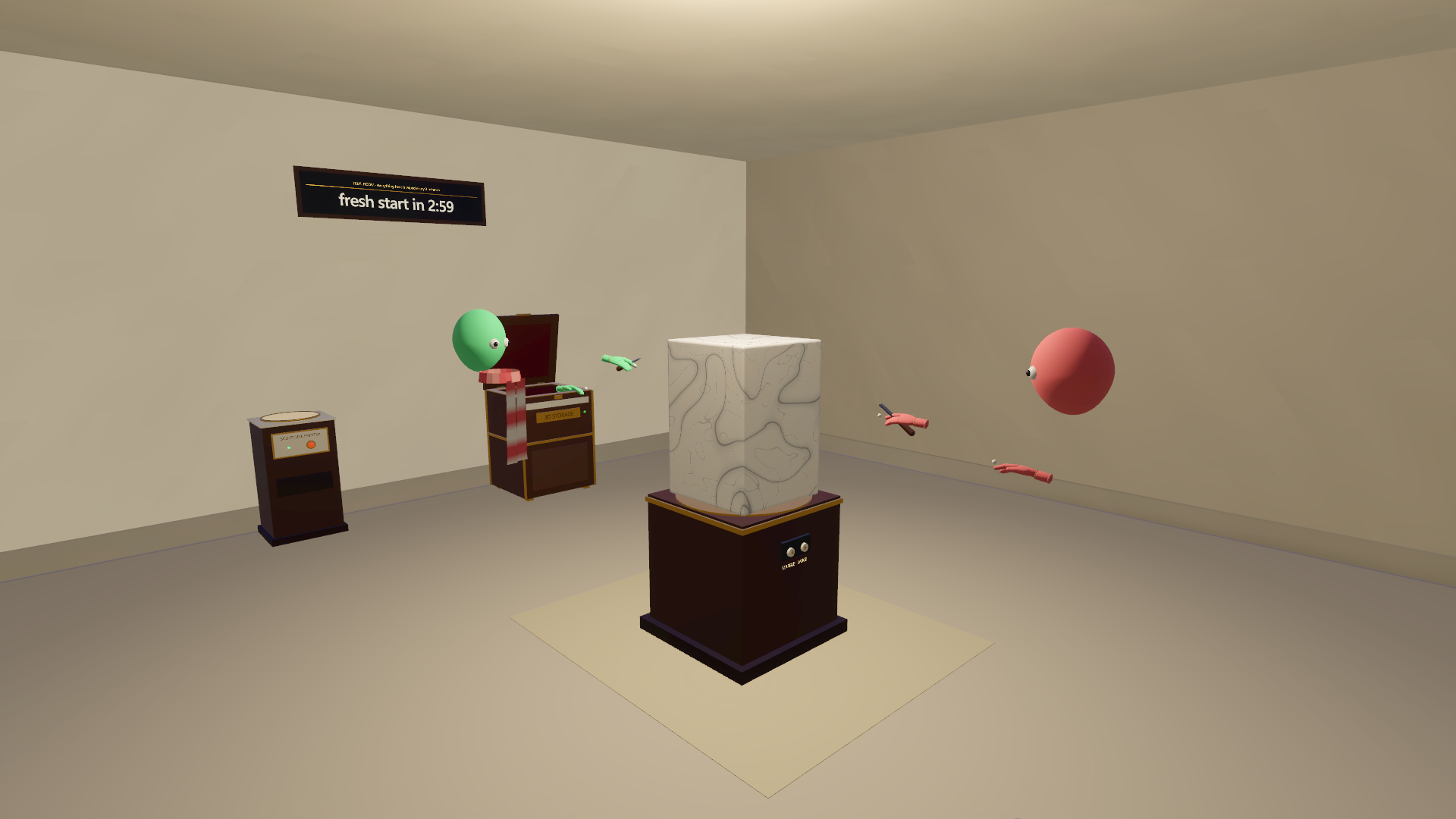
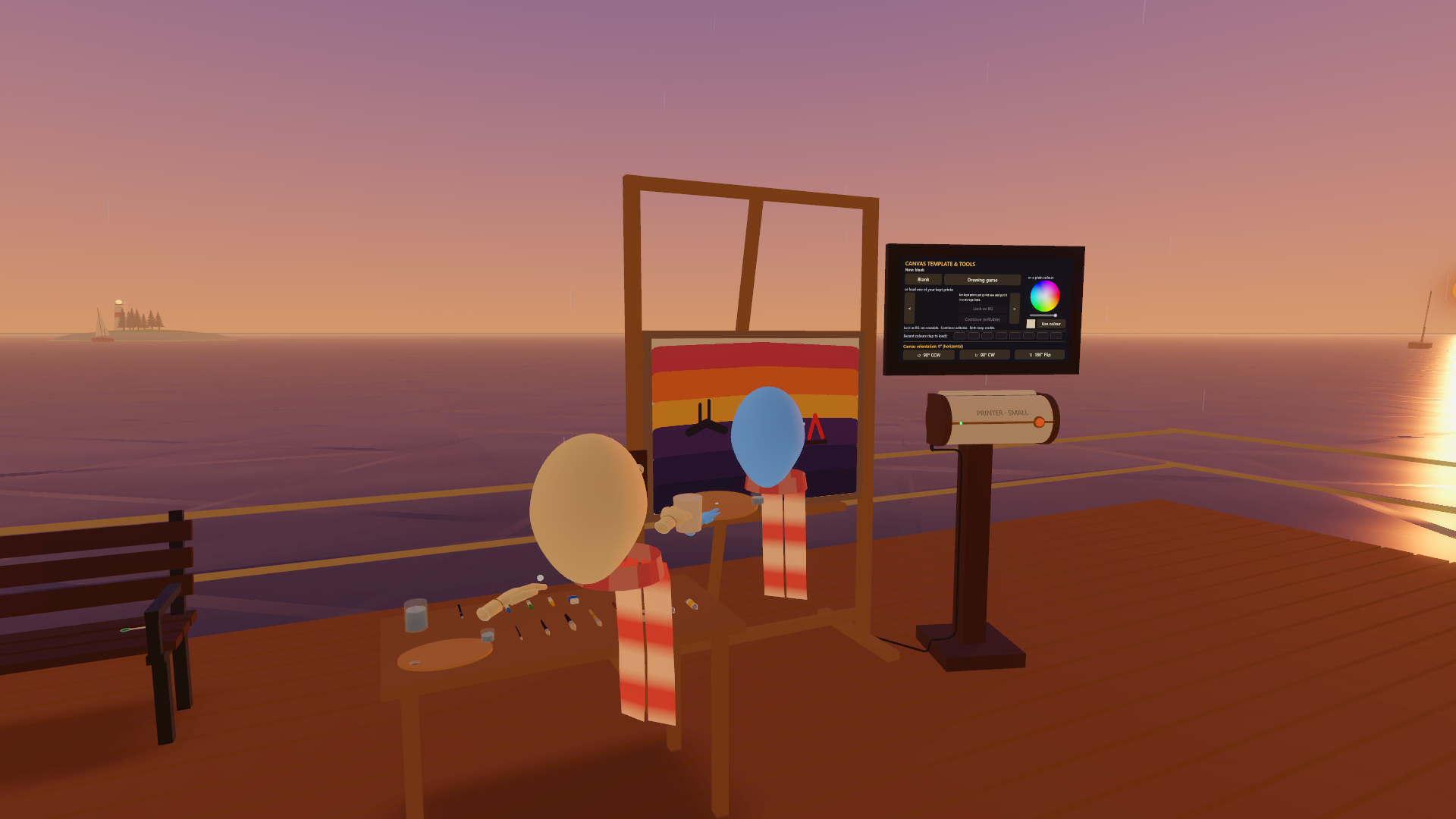
Built to Create Together
Drop in solo or invite friends — VR and desktop players share the same sunlit world.
Paint, Sculpt & Print
Dedicated 2D, 3D, clay, stone-carving, and multi-pass copperplate etching & woodblock printmaking studios.
Public & Private Rooms
Open public studios on Floor 2, calm invite-only rooms on Floor 3, or curate your own East Pavilion Private Gallery.
Living World & Acoustics
Dynamic day/night cycle, rain and snow, garden wildlife, and floor-aware room acoustics with proximity voice chat.
Export & Keep Your Art
Save high-resolution PNG prints, export 3D & stone sculptures as `.glb`, and submit pieces to the Main Gallery.
Quick Start
Windows
- Download and unzip ScribbleMuseum-Windows.zip.
- Double-click ScribbleMuseum.exe (runs in VR if a headset is active, or desktop automatically).
- If SmartScreen asks, click More info → Run anyway.
macOS
- Download and unzip ScribbleMuseum-macOS.zip.
- Move Scribble Museum.app into Applications.
- Right-click → Open the first time to launch.
Steam Frame
- Unzip ScribbleMuseum-SteamFrame-LinuxARM64.zip onto your headset.
- Add ScribbleMuseum.arm64 as a non-Steam game (or launch from Desktop Mode).
- Future updates download automatically inside the game.